The Notion App helps students organize notes, manage assignments, collaborate on projects, and boost productivity from one powerful workspace.
Notion App: The All-in-One Productivity Tool for Students
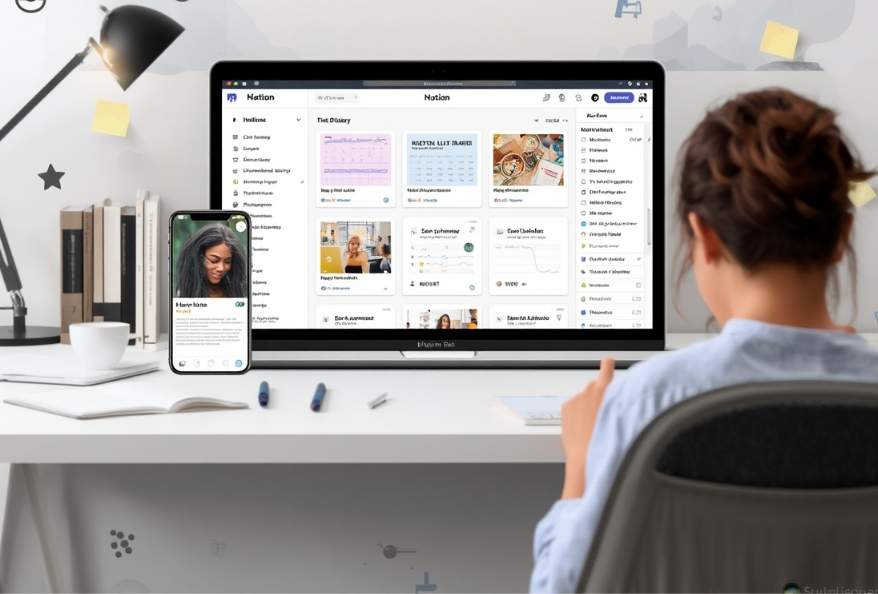
Students manage multiple responsibilities every day. Classes, assignments, projects, exams, and extracurricular activities can quickly become overwhelming. Keeping track of everything using notebooks and separate apps often creates confusion. The Notion App offers a smarter way to organize academic and personal tasks in one place. As a result, students can plan better, stay focused, and improve productivity.
The Notion App combines note-taking, task management, project planning, calendars, and collaboration into a single digital workspace. Whether you are preparing for exams or working on a group project, the Notion App helps you stay organized across all your devices. Above all, its free plan provides powerful features that meet the needs of most students.
What Is the Notion App?
To begin with, the Notion App is an all-in-one productivity platform designed for students, professionals, educators, and teams. Instead of switching between multiple applications, users can manage everything from a single workspace.
The Notion App works on Android, iOS, the web, Windows, and macOS. As a result, notes and tasks remain synchronized across devices.
Students can use the Notion App to:
- Create organized class notes
- Plan assignments and deadlines
- Build study schedules
- Track projects and research
- Manage personal goals
- Collaborate with classmates
- Store important documents
In short, the Notion App becomes a digital study companion that grows with your academic journey.
Why Students Use the Notion App
Students need more than a simple note-taking application. They need a workspace that supports planning, organization, and collaboration. That is where the Notion App makes a difference.
Everything in One Workspace
First and foremost, the Notion App keeps notes, assignments, calendars, and projects together. Instead of searching through multiple apps, students can access everything from one dashboard. As can be seen, this saves valuable study time.
Excellent Note-Taking
In addition, the Notion App supports rich text formatting, tables, checklists, images, code blocks, bookmarks, videos, and embedded files. Students can organize notes for every subject in a structured way. As a result, revision becomes much easier before examinations.
Assignment and Task Management
Moreover, the Notion App allows students to create task lists with deadlines, priorities, and reminders. In fact, checking completed tasks provides motivation to stay productive throughout the semester.

Ready-to-Use Templates
Another key point is the large collection of templates. Students can choose study planners, assignment trackers, reading lists, habit trackers, project boards, and revision schedules. Rather than creating everything from scratch, they can start immediately.
Real-Time Collaboration
Group assignments become easier with the Notion App. Students can share pages, edit documents together, leave comments, and monitor project progress in real time. At the same time, everyone stays updated without sending multiple file versions.
Access Anywhere
Whether studying at home, in the classroom, or while travelling, students can access the Notion App from almost any device. With this in mind, important notes and assignments are always available whenever needed.
Key Features of the Notion App
The Notion App includes a wide range of tools that help students stay organized throughout the academic year. Rather than switching between different applications, students can complete most of their work in one workspace. As a result, they spend less time managing information and more time learning.
Smart Note-Taking
The Notion App makes note-taking simple and flexible. Students can create pages for each subject, organize topics with headings, and add images, tables, checklists, or links. In addition, notes remain easy to search whenever information is needed.
Task and Assignment Management
Keeping track of deadlines is essential for academic success. The Notion App allows students to create task lists, set due dates, and organize assignments by priority. As can be seen, this reduces the chance of missing important submissions.
Study Planners and Calendars
Moreover, students can build daily, weekly, or monthly study planners. Calendar views make it easier to visualize deadlines and examination dates. With this in mind, planning study sessions becomes much more effective.
Project Management
Group projects often require careful coordination. The Notion App includes boards, timelines, and databases that help students divide responsibilities and monitor progress. At the same time, every team member can contribute from their own device.
Notion App has Ready-to-Use Templates
Another key point is the extensive template gallery. Students can choose templates for lecture notes, research papers, revision schedules, reading trackers, habit trackers, and personal planners. As a result, they can begin organizing their work immediately.
Cross-Device Synchronization
The Notion App automatically syncs content across supported devices. Whether students use a phone, tablet, or computer, their latest updates remain available everywhere.
How to Use the Notion App Effectively
Students can improve their productivity by following a few simple practices. Small changes often make a significant difference over time.
Create a Separate Workspace for Every Subject
To begin with, create individual pages for each subject. Organize lecture notes, assignments, and reference materials together. This keeps information structured and easy to find.
Plan Every Week
At the beginning of each week, list upcoming assignments, quizzes, and project deadlines. In addition, schedule dedicated study sessions for each subject. As a result, workloads become easier to manage.
Use Templates Instead of Starting from Scratch
Rather than creating every page manually, use the Notion App templates. They save time and provide a consistent structure for notes and projects.
Track Daily Tasks
Create a daily checklist and mark completed tasks. In fact, checking off completed work provides motivation and helps students stay focused throughout the day.
Organize Research Materials
Students working on research projects can store articles, web links, PDFs, and references in dedicated pages. Consequently, important resources remain available whenever required.
Collaborate with Classmates
For group assignments, share pages with classmates instead of exchanging multiple documents. At the same time, everyone can edit the same page, leave comments, and monitor progress together.
Review Notes Regularly
Rather than reading notes only before examinations, review them every week. This improves retention and reduces last-minute revision pressure.
Keep Your Dashboard Simple
Avoid adding unnecessary pages or widgets. Instead, maintain a clean dashboard that displays current assignments, upcoming deadlines, and today’s priorities. In short, a simple workspace improves productivity.
Free Notion Apps for Android, iOS, Web, Windows, and macOS
At the present time, the Notion App offers a generous free plan across all major platforms. Students can access notes, tasks, projects, and study materials from virtually anywhere. As a result, learning continues without interruption, whether at home or on campus.
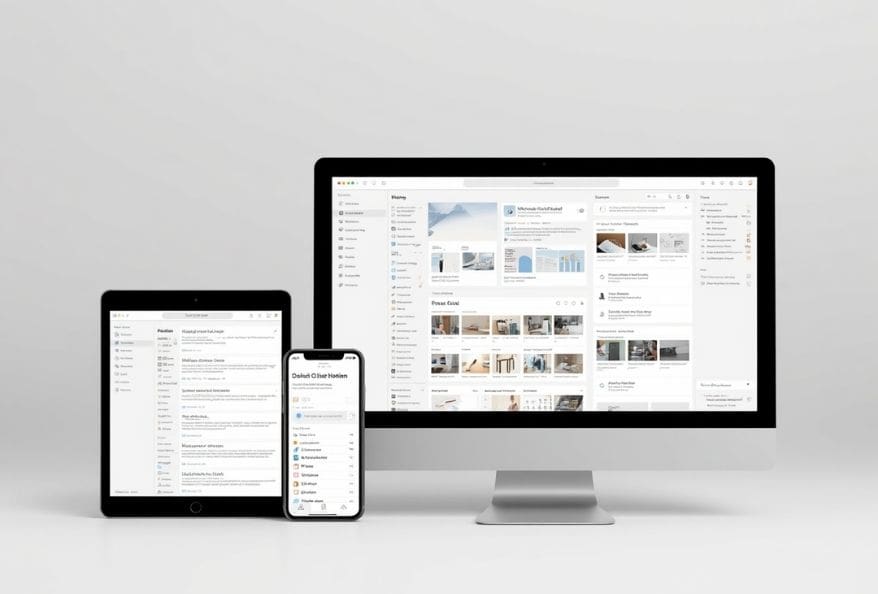
Android Notion App
Notion for Android:
The Android app allows students to create notes, manage assignments, and organize study plans while on the move.
Key features include:
- Note-taking and document editing
- Task and to-do management
- Study planners
- Real-time synchronization
- Offline access to recently viewed pages
iOS and iPad Notion App
Notion for iPhone and iPad:
The iOS version offers the same productivity tools with an interface optimized for Apple devices.
Key features include:
- Rich note-taking
- Calendar and task management
- Real-time collaboration
- Templates for students
- Cross-device synchronization
Notion Web Platform
Notion Web Workspace:
Students can access their workspace directly through a browser without installing software.
Key features include:
- Browser-based workspace
- Real-time collaboration
- Database management
- Study planners
- Instant synchronization
Who Should Use the Notion App?
The Notion App is suitable for anyone who wants to stay organized and productive. It is especially useful for:
- School students
- College and university students
- Researchers
- Teachers and educators
- Project teams
- Content creators
- Freelancers
- Professionals managing multiple projects
Therefore, whether you are preparing for examinations or coordinating a team assignment, the Notion App provides a flexible workspace that adapts to your needs.
Additionally, to stay updated with the latest developments in STEM research, visit ENTECH Online. Basically, this is our digital magazine for science, technology, engineering, and mathematics. Further, at ENTECH Online, you’ll find a wealth of information.
- Author
- Latest Posts

Kottauppari Venkat Raghava
I am an Information Technology graduate (B.Tech) and a technology writer specialising in artificial intelligence, robotics, automation, and space technologies. I analyse complex scientific research and convert it into clear, practical insights for students, tech enthusiasts, and professionals. My work bridges the gap between academic research and real-world understanding by simplifying findings from peer-reviewed journals into engaging, easy-to-follow content. Alongside my writing, I have hands-on experience developing real-world projects, showcased on my GitHub, including an Expense Tracker web application for managing and visualising spending, and a Simple Video Summariser that generates concise insights from video content using automation techniques. I also produce research-driven articles on topics such as AI-powered corrosion detection, deep learning in engineering, and advanced automation systems. I follow a research-driven approach, ensuring every article is grounded in verified sources, industry knowledge, and practical applications. My goal is to make advanced technology accessible and meaningful, helping readers stay informed about innovations shaping the future.


