If you have ever pasted a ChatGPT draft into a document, read it back, and thought, “this sounds like a robot wrote it,” you are not alone. Searches like “un AI my text” have grown alongside AI writing tools, because people want the speed of a generated draft without the flat, generic voice that comes with it.
The good news is that you do not need special software to fix it. Most AI-sounding writing comes down to a small set of habits: certain words, certain sentence patterns, and a predictable structure. Once you know what they are, you can humanize AI text by hand in a few minutes. This guide covers how to un-AI text with nine manual edits, explains why each one works, and shows a before-and-after example.
To un-AI text means to edit an AI-generated draft until it reads as if a person wrote it. That involves more than swapping a few words. It means removing the stock phrases language models overuse, varying the rhythm of your sentences, adding concrete details, and giving the piece an actual point of view.
People use different names for this: un-AI, de-AI, humanizing. Nevertheless, they all describe the same goal. The finished text should sound like you, say something specific as well as be pleasant to read.
How Readers Recognize AI Writing
Before getting into the edits, it helps to know what gives AI writing away. Two recent studies offer useful evidence.
The first looked at how well people can spot AI-generated articles. Researchers found that annotators who rarely used AI tools performed close to chance. But a group of people who used ChatGPT and similar tools frequently for their own writing correctly identified about 93% of AI-generated articles, and a majority vote among them misclassified only 1 of 300 articles. The study, published at ACL 2025, found that vocabulary was the clue these readers cited most often (in roughly half their explanations), followed by sentence structure. Simple paraphrasing did not fool them.
The second study tracked word use across more than 15 million biomedical abstracts on PubMed. After ChatGPT launched, certain words suddenly became far more common, including “delves,” “showcasing,” and “underscores.” The researchers, whose work appeared in Science Advances, estimated that at least 13.5% of 2024 abstracts were processed with language models. Most of the excess words were verbs and adjectives, the style words that set a tone without adding information.
Put together, the overall research points to one conclusion: readers notice AI writing mainly through word choice and sentence patterns. Those are exactly the things you can certainly fix by hand.
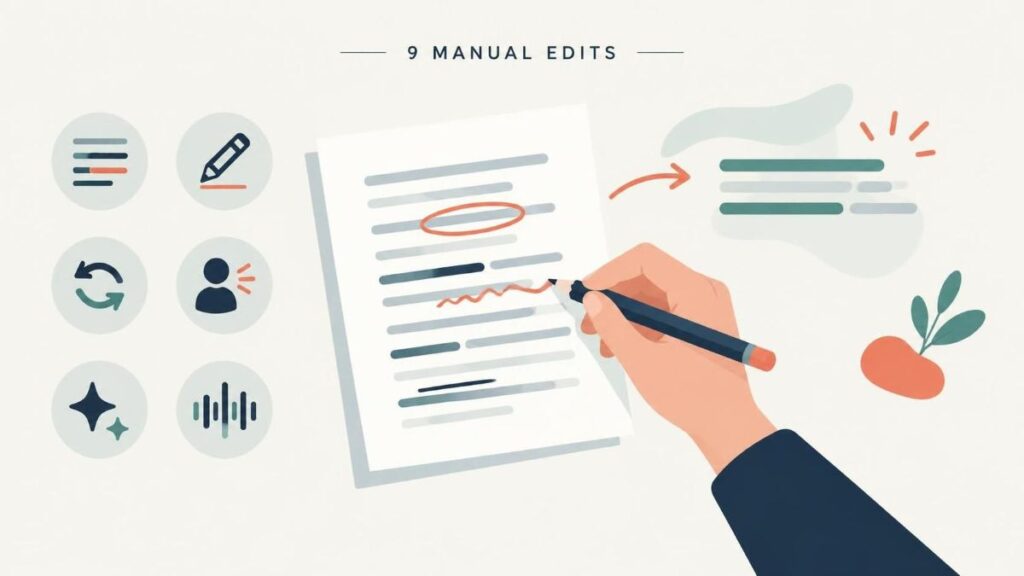
How to Un-AI Text: 9 Manual Edits
Fig. 1: How to Un-AI Text – 9 Manual Edits (illustration – AI Generated)
1. Delete the warm-up opening
AI drafts often begin with a sentence that sets the scene without saying anything: “In today’s digital world,” “In an era of rapid change,” or “When it comes to marketing.” Delete the first sentence of your draft and read what is left. In most cases, the second sentence is a better opening, because it is where the actual point starts.
2. Replace AI’s favorite verbs and adjectives
Language models lean on a recognizable set of words. Search your draft for these and replace each one with a plainer word or remove it:
Nouns used as filler: landscape, realm, tapestry, journey, testament
“This report delves into the crucial factors” becomes “This report looks at what matters most.” Often the plain version is shorter, too.
3. Cut empty intensifiers and hedges
AI text is full of words that claim importance without proving it (“truly,” “incredibly,” “significantly”) and phrases that soften every claim (“it’s important to note,” “it could be argued that”). The Purdue OWL guide to concise writing recommends questioning every word and removing any that do not add meaning. Apply that test line by line. Where an intensifier stood in for a fact, put the fact in its place.
4. Break the rule of three
AI loves lists of three: “fast, reliable, and scalable,” or three bullet points under every heading. Real content does not come in neat threes. If you have two good reasons, give two. If you have five, give five. When you spot a list of three, check whether the third item is real or was added to complete the pattern.
5. Vary sentence length
Generated text tends to use sentences of similar length and similar shape, usually subject first. Human writing is uneven. Follow a long, detailed sentence with a short one. Start a sentence with a clause now and then. Ask a question if it fits. A quick check: read one paragraph and count the words in each sentence. If the counts are all close, rewrite at least one.
6. Swap abstractions for concrete details
AI writes in general terms because it has no experience to draw on. “Many businesses have seen success with this approach” could appear in any article about anything. Replace it with a name, a number, a place, or a result: what happened, to whom, and when. Concrete detail is the single biggest difference between writing that sounds generated and writing that sounds lived.
7. Fix the transitions
“Moreover,” “Furthermore,” “Additionally,” and “In conclusion” appear in AI drafts far more than in natural writing. Most can be deleted, because the logic of the paragraph already carries the reader forward. When you do need a transition, use the one you would say out loud: “Also,” “But,” “So,” or simply start a new paragraph.
8. Remove the signature sentence patterns
Some structures have become strongly associated with AI writing. Watch for the “It’s not X, it’s Y” construction (“This isn’t just a tool, it’s a revolution”), sentences that pivot on a dramatic dash, and rhetorical questions followed immediately by their answer. Rewrite them as direct statements. Say what something is rather than first saying what it is not.
9. Rewrite the ending
AI conclusions usually summarize everything that came before, often starting with “In conclusion” or “Ultimately.” Readers who made it to the end do not need a recap. End on your strongest point, a clear recommendation, or the next step you want the reader to take. If your last paragraph only repeats earlier ones, delete it and see whether the piece ends better without it.
Quick Reference: Common AI Phrases and Plain Alternatives
AI phrase
Plain alternative
Delve into
Look at, explain, cover
Leverage
Use
In today’s fast-paced world
Delete it
It’s important to note that
Delete it and state the point
Plays a crucial role in
Matters for, affects
A testament to
Shows, proves
Navigate the complexities of
Deal with, handle
In conclusion
Delete it and end on your point
When a Tool Can Help in Humanizing Text
Manual editing gives you the most control, and it is the only way to add details from your own experience. For long documents, though, the line-by-line work takes time. A tool like Un AI My Text can handle the first pass on rhythm and phrasing, after which you edit the output using the steps in this guide. Always re-read the result and also confirm that facts, figures, and your intended meaning came through intact.
If you want a second opinion once you finish, you can run the text through a free AI detector. Treat the score as a rough signal rather than a verdict. Detectors can misjudge both AI and human writing, and the real test is whether a reader who knows the subject would find the piece useful and natural.
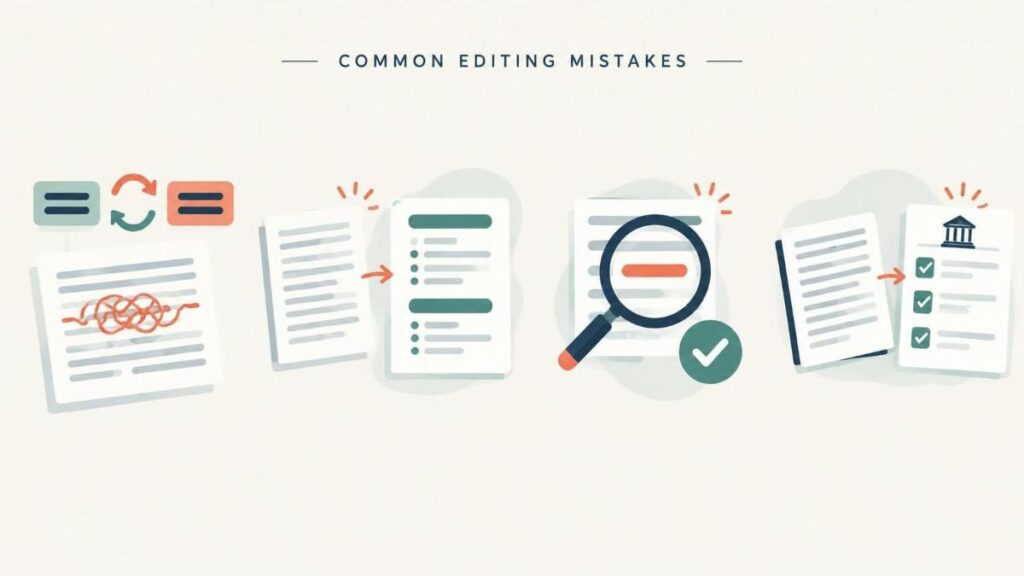
Common Mistakes When You De-AI Text
Fig. 2: Common Mistakes in Humanizing Text (illustration – AI Generated)
Swapping synonyms only. Changing “utilize” to “employ” leaves the structure and the vagueness exactly where they were. The research above found that paraphrasing alone did not fool experienced readers.
Removing all structure. Headings and lists are not AI tells on their own. Keep them where they help the reader; just make sure they follow your content rather than a template.
Leaving facts unchecked. Language models sometimes invent numbers, quotes, and sources. Making a wrong claim sound more human only makes it more misleading.
Forgetting the rules where you publish. Schools, clients, and publications set their own AI policies. Check them before you submit.
un AI Text by Hand: Final Thoughts
Learning how to un-AI text is mostly learning which habits to break: the stock vocabulary, the even rhythm, the lists of three, and the summary ending. Each of the nine edits takes a minute or two, and together they turn a generic draft into something with a voice. Start with edits 2 and 6, replacing AI vocabulary and adding concrete details, because those two make the biggest difference to how your writing reads.
FAQs
How do I un AI text without using another AI tool?
You can un AI text by hand using the nine edits in this guide: delete the warm-up opening, replace stock AI vocabulary, cut empty intensifiers and hedges, break the rule of three, vary sentence length, swap abstractions for concrete details, fix transitions, remove signature sentence patterns, and rewrite the ending. A short draft often takes only a few minutes.
What words are the biggest giveaways that text was AI-generated?
Watch for verbs like delve, showcase, underscore, foster, leverage, navigate, elevate, and streamline; adjectives like crucial, pivotal, vibrant, seamless, robust, comprehensive, and intricate; and filler nouns like landscape, realm, tapestry, journey, and testament. Replace them with plain alternatives or delete them. Vocabulary is one of the clues readers notice most often.
Is paraphrasing enough to de-AI text?
No. The research found that simple paraphrasing did not fool experienced readers. Swapping synonyms can leave the sentence structure and vague claims exactly as they were. To de-AI text effectively, you also need to vary rhythm, add concrete details, and give the piece a clear point of view.
How long does it take to humanize text by hand?
Each of the nine edits takes a minute or two, so a short draft can often be humanized in a few minutes. Longer documents take more time because the work is line by line. If you use a tool for a first pass on rhythm and phrasing, still reread the output and check that your facts and meaning came through intact.
Should I trust an AI detector after I de-AI my text?
Treat the score as a rough signal, not a verdict. Detectors can misjudge both AI and human writing. The better test is whether someone who knows the subject finds the piece useful and natural. Before publishing, also check facts, figures, and quotes, and confirm the AI policy for where the text will appear.
References:
Russell, J., Karpinska, M., & Iyyer, M. (2025). People who frequently use ChatGPT for writing tasks are accurate and robust detectors of AI-generated text. In Proceedings of the conference – Association for Computational Linguistics. Meeting (pp. 5342–5373). https://doi.org/10.18653/v1/2025.acl-long.267
Kobak, D., González-Márquez, R., Horvát, E., & Lause, J. (2025). Delving into LLM-assisted writing in biomedical publications through excess vocabulary. Science Advances, 11(27), eadt3813. https://doi.org/10.1126/sciadv.adt3813
Hrutanshu Kurankar is a Computer Engineering graduate from Marathwada Mitra Mandal’s College of Engineering, Pune. His interests span artificial intelligence, machine learning, cybersecurity, data science, and science communication. He enjoys exploring how emerging technologies work and translating complex technical concepts into clear, accessible explanations for students and young audiences.
His practical experience includes developing FlashCTI, a Retrieval-Augmented Generation (RAG) system for cyber threat intelligence and log analysis, exploring privacy-focused browser extensions, and building machine learning applications. His technical background includes Python, data analysis, machine learning frameworks, web development, vector databases, and cybersecurity tools. Through these projects, he has developed an interest in applying technology to real-world problems and making technical knowledge easier to understand.
Hrutanshu is associated with ENTECH STEM Magazine, where he contributes to science communication and editorial initiatives, including research outreach and activities supporting the Machine Learning Special Issue 2026. His work involves connecting with potential contributors and academic reviewers to encourage participation in STEM research and knowledge sharing. As a science communicator, he aims to bridge the gap between complex scientific ideas and everyday understanding through relatable examples, clear writing, and evidence-based explanations. He is particularly interested in making science and technology engaging and accessible to the next generation of learners.